Showing posts with label LinkedIn. Show all posts

Friday, May 17, 2013

Why Are We Online?

These are a series of social media icons designed by Vedodesign. I selected this image because it shows Google+, LinkedIn, Facebook, Twitter, and the Blogger icons larger than all the others.
We're on all of these platforms, won't you join us?


by Megan Elliott, Social Media Developer

When I first started working for ERS, I will be the first to admit that I had a lot of doubts about how good of a tool social media was for connecting with our customer base, but I also had hopes. I had hopes that people would see how active we are on Twitter and Facebook, and later LinkedIn and Google+, and appreciate my efforts to open conversations about employment issues facing people with disabilities. I could see the potential for people with hearing impairments, and I have learned a little about how to address some of the unique challenges that people with sight impairments face.

The rare times that I get to interact with people online give me hope that what I am doing is not in vain – all my research and monitoring are not in vain. There are times when I have been at home long after clocking out, and see someone has posted a question on our Facebook Wall that I must answer, or have found something on our Twitter feed that I just had to share at that same moment across every medium. I am always “on” for you and for this program, not just for this company. I might not have the answer right then, or I might have to give you answers that you don’t like because of the restrictions of what we as a company can do or the restrictions of the program, but that’s part of the job.

I do my best with what I have available to me – I research latest hiring trends, the newest resume and cover letter advice, what job openings are more plentiful than others, and condense what I’ve learned and put it out there for you to read in a blog, or just create a post and link. If there are changes that affect you, I try to let you know about it as soon as I learn about it. Oh, and I also spend quite a bit of my “off” time learning about how to bring that to you in the most engaging way possible! I estimate I spend another 15 or 20 hours a week just doing that, and it's all for you.

I like to think that I create value by always being “on,” but I’m not sure that’s the case. Then I read stories about how social media is changing how those with hearing impairments navigate a world not built for them; I read the Twitter feed of an advocate who has low vision and is praising the newest smartphone apps that are accessible for the blind; I get an e-mail that the Equal Employment Opportunity Commission is addressing changes in how the American’s with Disabilities Act is applied in the workplace; and I can’t help but be encouraged by all of this!

So why is ERS online, and why do I put forth the effort that I do for relatively little engagement?
  • As far as we’re aware, we’re the only employment network in the Ticket to Work program that helps our clients solely over the phone. We don’t meet with anyone in person to discuss their particular issues, and we conduct the bulk of our business through e-mail or on the phone.
  • This is the digital age. We must stay up-to-date with our online presence or we lose opportunities to help people to get back on their feet.
  • Our business relies on the power of the internet and our ability to speak to our clients and meet their needs, no matter whether we use the phone, Facebook, Twitter, LinkedIn, Google+, comments here on our blog, our website, or plain old e-mail.
We can only get better with the more feedback we receive, so I encourage (beg!) you to please let us know what we’re doing right, what we’re doing wrong, or what you’d like to see more of in the future. Your input is important to me, and all the career coaches, to provide the best service possible. So let us know – are we doing it right?

Friday, March 29, 2013

Using LinkedIn for Your Job Search

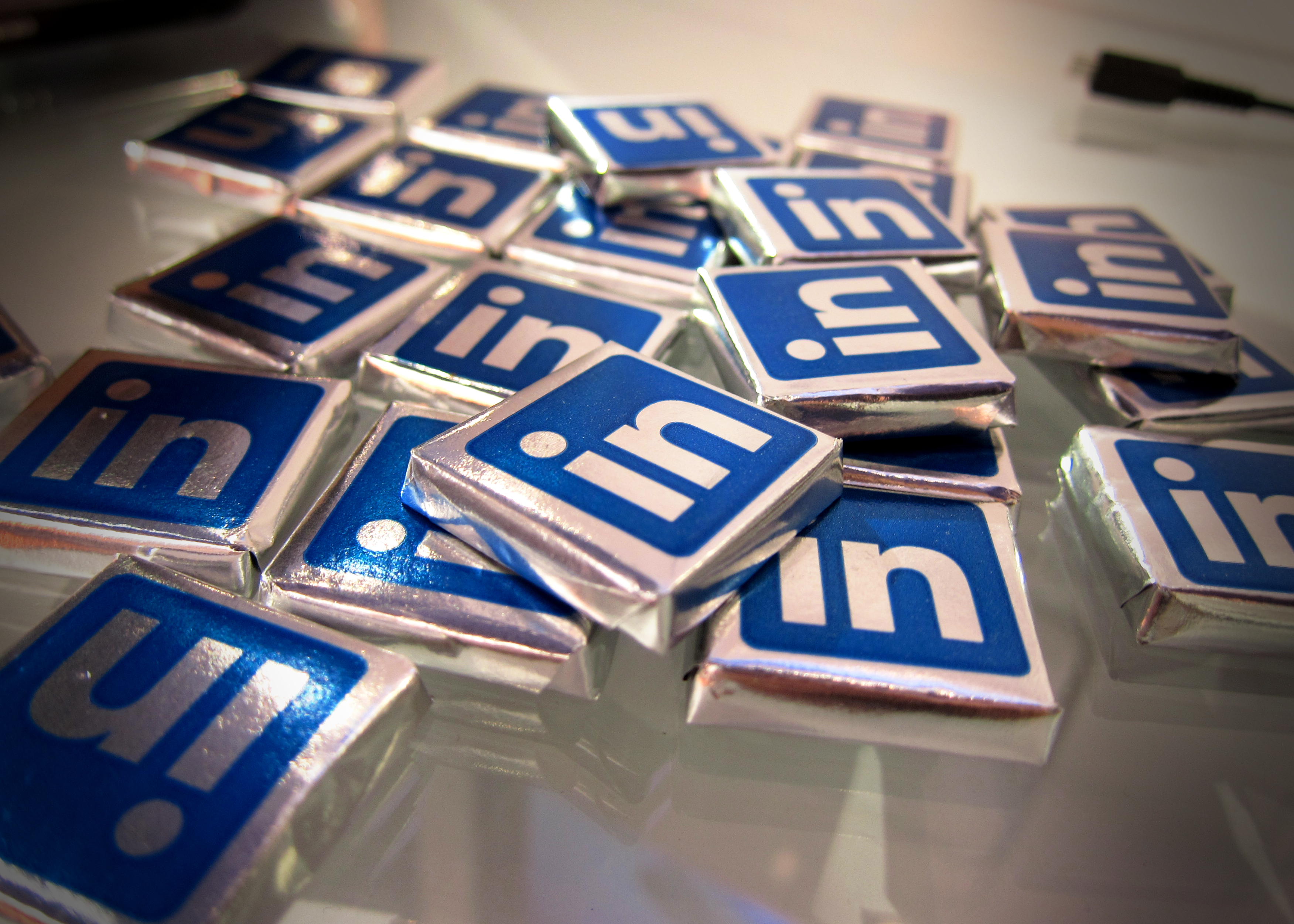
A scattering of chocolates wrapped in foil printed with the blue LinkedIn logo.
LinkedIn is a lot like chocolate -
more useful than it seems, and healthy too!
(image source: http://upload.wikimedia.org/wikipedia/commons/3/31/Linkedin_Chocolates.jpg)


by Megan Elliott, Social Media Developer

Chances are if you’re reading this, you have at least one social networking profile. You’re connected to tons of people on Facebook and Google+, get yourself into a whirlpool of crafty things to do on Pintrest, or hang out and chat with people on Twitter all day long. Have you made yourself a LinkedIn profile yet?
LinkedIn is probably the most useful tool in your online job search toolbox. This is where your professional life is on display for anyone to see, from recruiters to human resources at that company you would give your eyeteeth to go to work for – if you have a profile.
You don’t have to be an especially tech savvy person to create a LinkedIn profile. If you figured out Facebook, you’ve figured out how to fill in all the boxes on LinkedIn. Plus, they walk you through the weak spots in your profile and can give you suggestions on how to improve it. It is a good idea to get someone to read behind you and make sure that you didn’t make any spelling or grammatical errors. Following the link above should give you some really good pointers to make your profile stand out from the crowd.

The search box in the top right is the most useful part of LinkedIn, after making that profile so that you can be found and seen and possibly contacted about a job. Your connections are awesome, that’s true, because their networks are a good way to get you in contact with jobs, but you can also follow the specific companies who might have jobs available.

Those companies, from big ones to little ones, list their openings all the time on LinkedIn, and sometimes even before they update their jobs portal on their home website! Follow those companies, and you have an inside peek at those job openings, and you don’t have to use another job board to find them.

The latest news from LinkedIn is that they have updated their search engine, so you can actually search by job title (like “administrative assistant”). If you use the advanced search option, you can filter by company and people you know who work at those companies. You can also set LinkedIn to e-mail you results that match your specific search criteria – so you don’t have to do the same search each week.

One final thing to note about the power of a LinkedIn profile – and why you should always keep it updated – lots of hiring managers use it as a reference tool to see if your resume matches up with your work experience. The link above is a how-to guide on using LinkedIn to check up on job applicants.

How have you used social media sites to find jobs? Would you recommend that your friends create a LinkedIn profile after reading this? Let us know in the comments!